

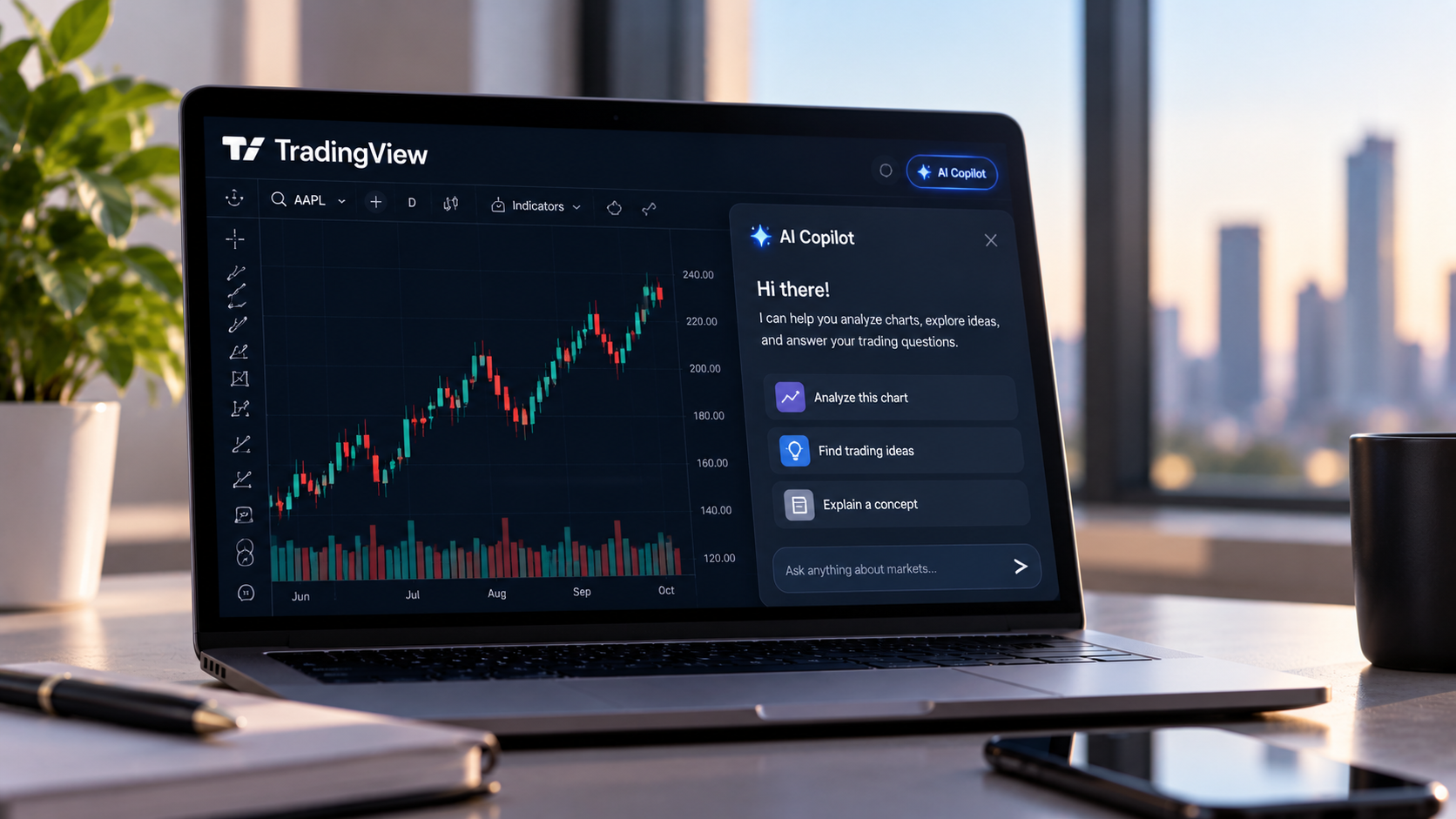
TradingView has released AI Copilot as a standalone add-on feature available across its Essential, Plus, Premium, and Ultimate paid subscription tiers on web and desktop applications. The AI assistant integrates directly into the platform’s side panel, leveraging TradingView data, including quotes, indicators, financials, news, earnings reports, economic calendars, and screener information, to answer user questions and execute chart modifications in real time.
- Availability: Web and desktop app across all paid plans
- Pricing: Monthly add-on subscription, cancellable anytime
- Key Functions: Symbol switching, indicator application, level drawing, alert creation, watchlist management, and Pine Script writing
- Limitation: Not yet available on mobile applications
AI Copilot enables users to configure chart layouts, conduct technical and fundamental analysis, evaluate market sentiment, and identify trading opportunities through natural-language prompts. The assistant can perform functions including drawing support and resistance levels, running full technical analyses on individual securities, screening stocks by multiple criteria, and generating Pine Script indicators without requiring programming knowledge. All data cited in the assistant’s responses is grounded in TradingView data sources, though the company notes that users should treat AI output as analysis rather than financial advice.
Setup requires an active paid subscription, trial plans qualify, and takes approximately one minute. Users access the feature through the AI Copilot icon in the right-hand panel of any chart, then proceed to checkout. Access becomes active immediately after payment. The add-on operates under a monthly usage limit that the company states most users will not exceed, though unused allocations do not roll over to subsequent months.
AI Copilot originated as a browser extension during public beta testing before being integrated natively into the TradingView platform. The company is soliciting user feedback to guide future improvements to the assistant’s functionality and accuracy.
